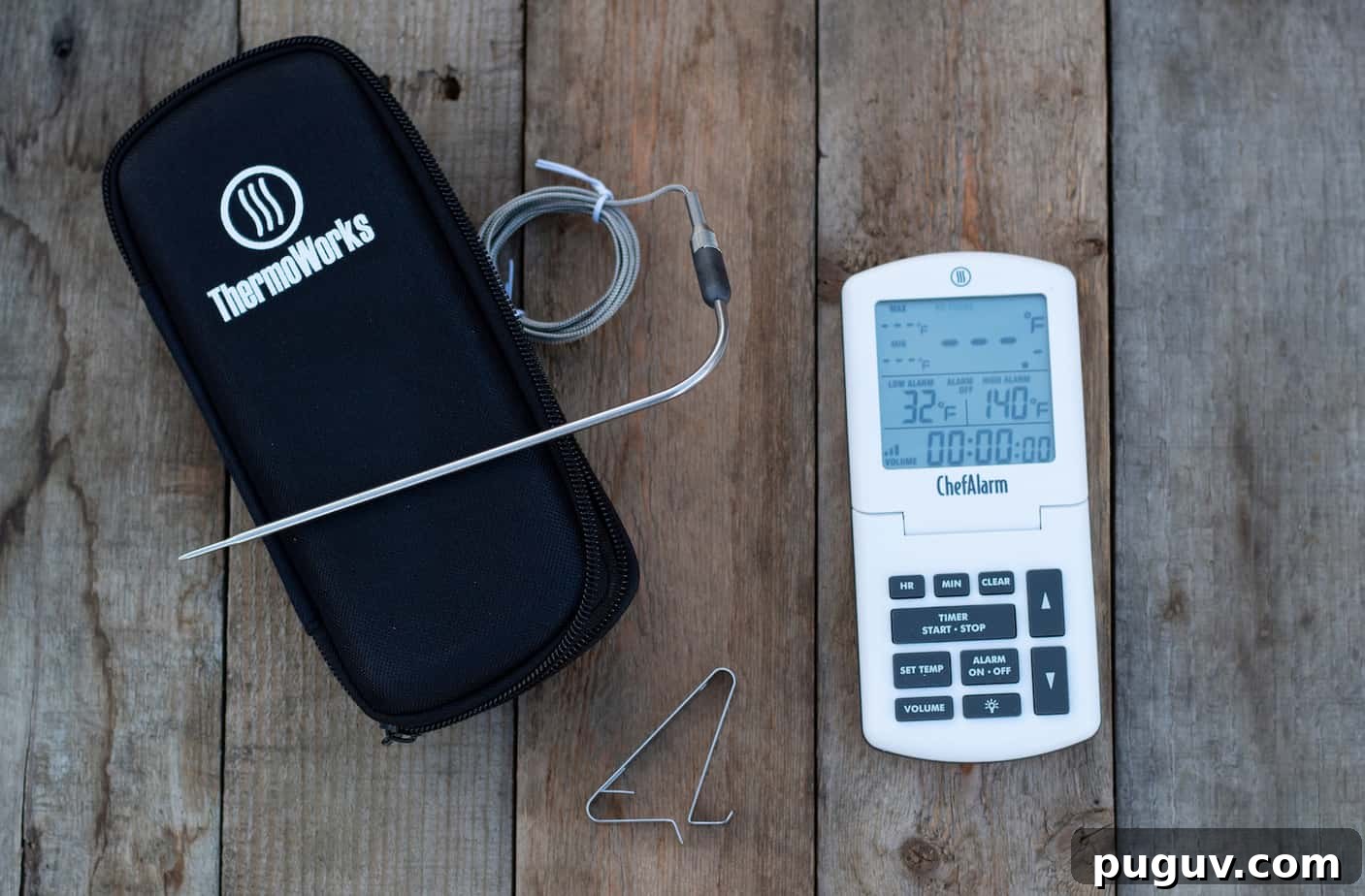
Some cooking tasks require a multi-probe thermometer, but many benefit from a simple in-oven thermometer. If you don’t need to monitor multiple products or temperature zones at once, an in-oven option such as the ThermoWorks ChefAlarm is an excellent choice for home cooks and pitmasters alike.
The ChefAlarm focuses on reliable single-probe monitoring with a clear display, a rugged build, and user-friendly controls—features that make it well suited for roasting, smoking, or frying when you only need one temperature feed.
ThermoWorks ChefAlarm Professional Oven Thermometer Rundown.
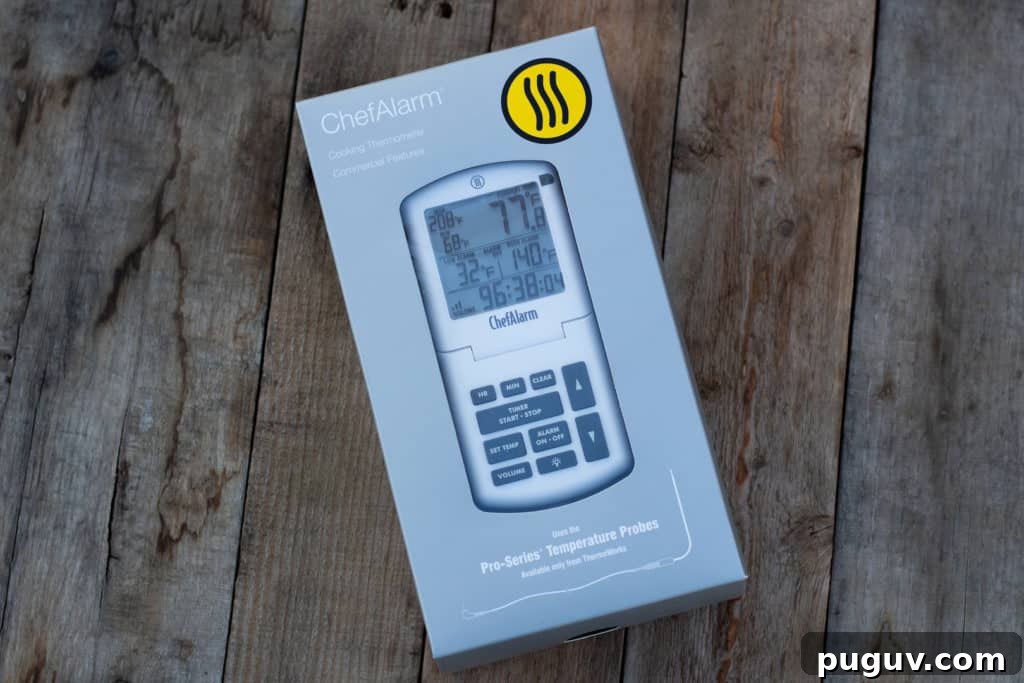
Buy from ThermoWorks
What we liked.
- Simple, intuitive operation
- Large, adjustable display for easy viewing
- Durable high-temperature cooking probe
- Splash-resistant construction
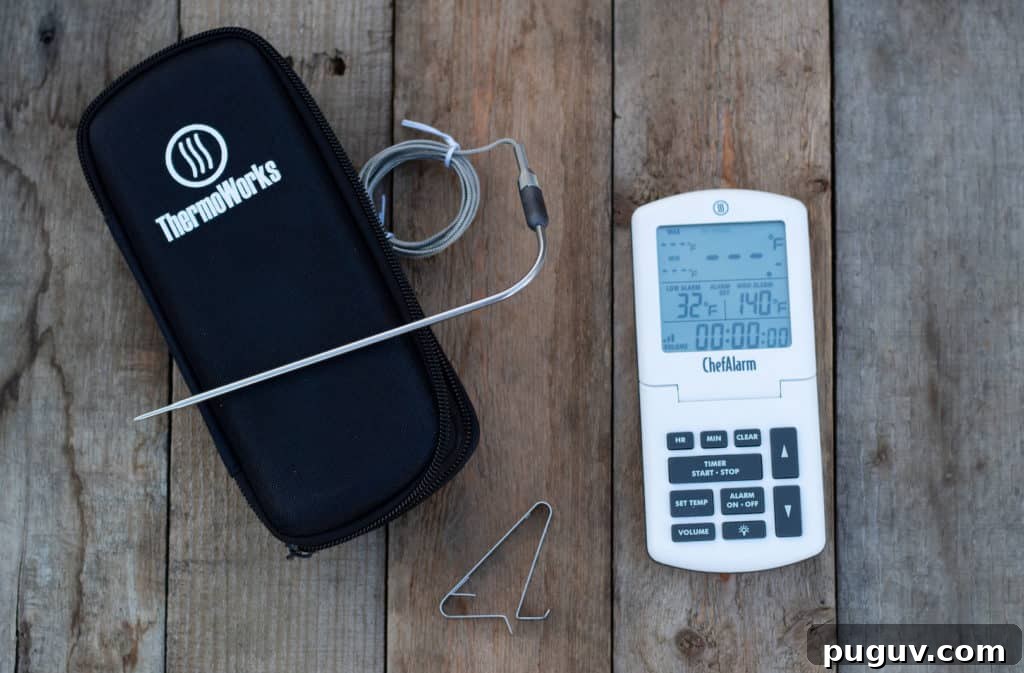
- Included storage case keeps everything organized
What needs improvement
- Supports only one probe
- No built-in clip for mounting to a grill or oven grate
Look and Feel.
The ChefAlarm shares ThermoWorks’ recognizable, rugged plastic construction and solid build quality. It feels durable in the hand, echoing the design language of ThermoWorks’ other products.
It comes in several colors to match your kitchen or grill setup. Our unit arrived in a clean white finish, though the other colors, especially the yellow, are visually appealing.
The front houses the display and control panel, while the back contains the battery compartment, calibration button, power on/off switch, and temperature format selector. A magnetic backing lets you attach the unit to convenient metal surfaces—just avoid affixing it to the side of a hot smoker or oven, as the unit is not designed to tolerate extreme external heat and could be damaged.
Storage Case FTW!
A dedicated storage case is a welcome inclusion. The neoprene carrying case protects the probe and cable and makes it easier to keep your thermometer with other barbecue tools when not in use.
Controls/Display
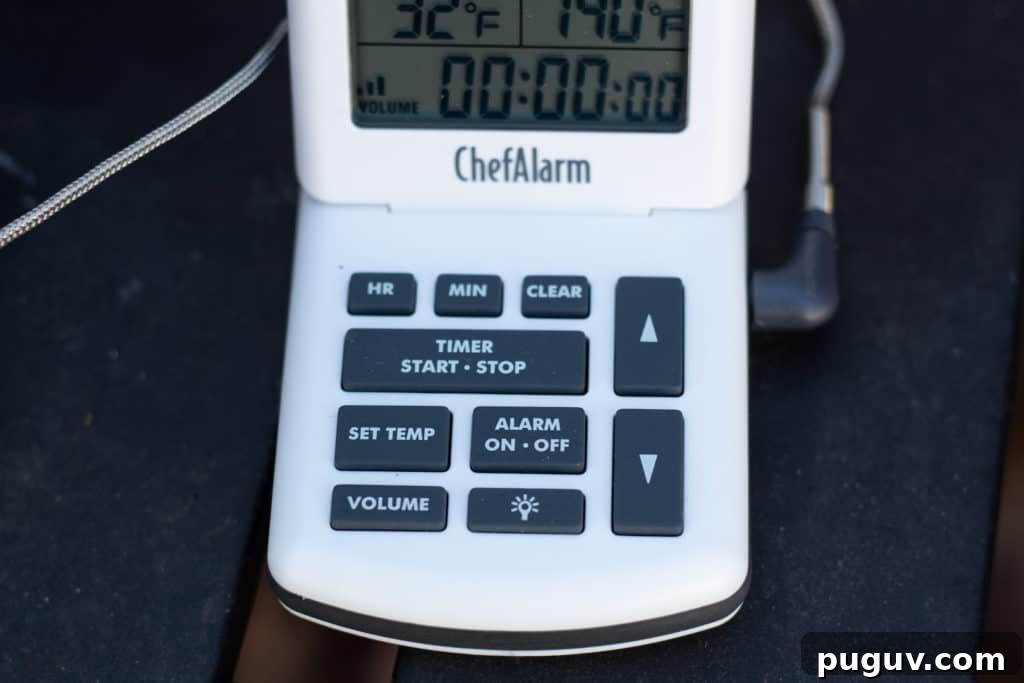
The layout is straightforward: a centralized control cluster below the display with easy-to-use buttons for setting temperature and timers. The display is large and clear, and a hinged connection allows you to tilt the screen for optimal viewing angles in different cooking setups.
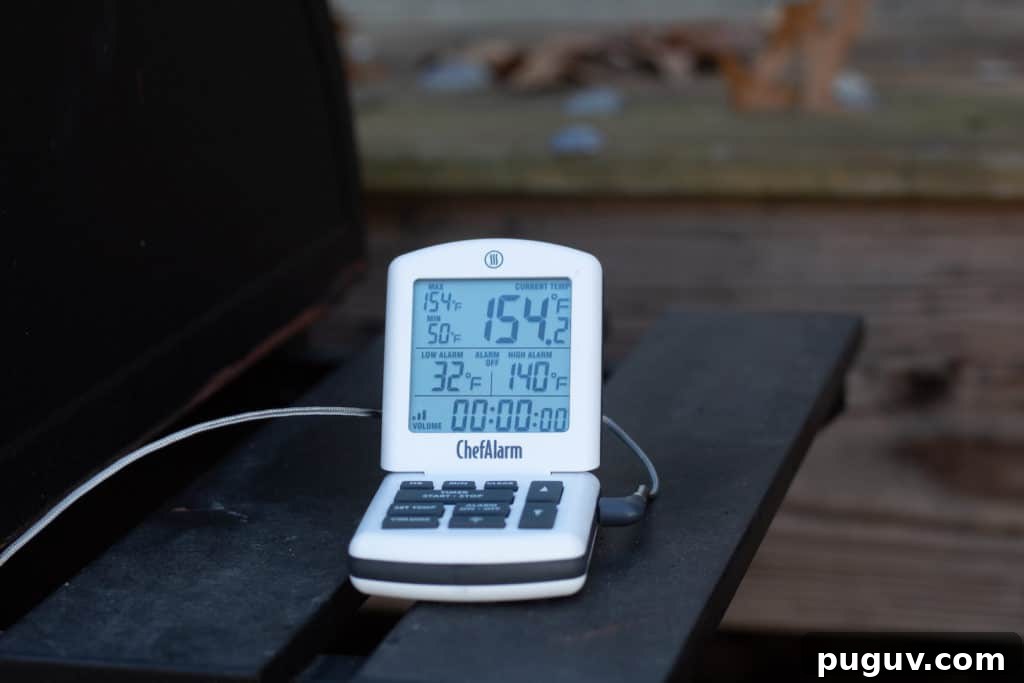
The ChefAlarm only supports a single high-temp probe, so the display presents focused information: the main temperature is prominent in the top right, with recorded min/max readings to the left. Below those readouts are the high/low alarm settings, then the timer and current volume setting.
Pro-Series High Temp Cooking Probe
The included Pro-Series high-temp probe is among the best braided stainless-steel wired probes available for consumer use. It is a thermistor-style probe built to tolerate high temperatures and heavy use. The stainless-steel-braided cable withstands heat up to the specified rating, and the thin, stepped probe design allows for precise placement, even in confined spaces.
The angled probe tip and reinforced, heat-resistant collar at the wire junction protect the connection from stress and bending. While not a thermocouple, the Pro-Series probe delivers accuracy and durability suitable for home cooks and foodservice environments.
Cooking with the ThermoWorks ChefAlarm.
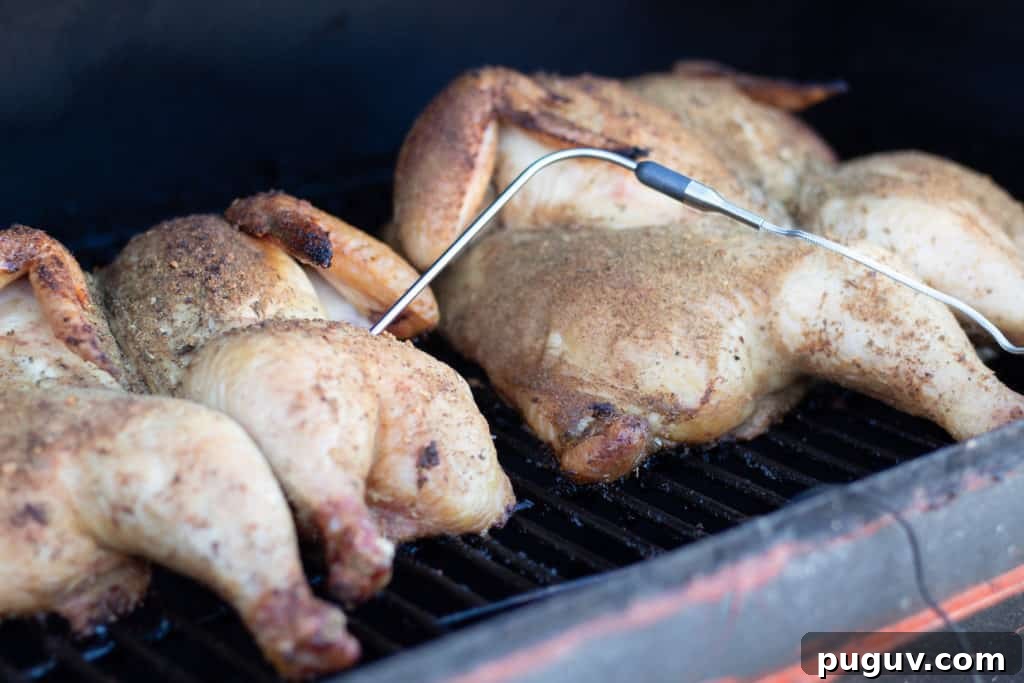
To evaluate the ChefAlarm, we used it during a Sunday smoking session while preparing a spatchcocked whole chicken. Whether roasting in an oven, smoking, or cooking over live fire, a single reliable probe simplifies monitoring and helps achieve consistent results.
We inserted the probe along the keel bone of the chicken breast to track internal temperature during the cook. The ChefAlarm provided clear readings and alarm control so we could focus on the cook without repeatedly opening the smoker or oven to check doneness.
Setting and alarm/temperature range.
Setting the high and low alarms is straightforward: press the “set alarm” button, use the up/down arrows to choose the low-temperature threshold, then press “set” again to choose the high threshold. After setting the range, press the “alarm on/off” button to enable audible alerts. If the alarm is off, the unit will not sound when temperatures go outside the set range.
If you prefer a single target temperature—such as a doneness point for poultry—set the high alarm to your desired temperature (for example, 165°F) and set the low alarm below the current product temperature so only the high alarm will trigger when the meat reaches the target.
Alarm Volume.
The ChefAlarm’s alarm is loud enough for busy restaurant kitchens but offers adjustable volume levels to suit home environments. Use the volume control to find a comfortable setting; you can mute the alarm via the volume button or disable audible alerts completely by turning the alarm off.
Calibrating the ChefAlarm.
Calibration is available if needed. To check accuracy, prepare a tight ice bath and let it sit for about ten minutes, then insert the probe and wait for the reading to stabilize. It should read 32°F in a proper ice bath. If the reading is off, follow the included calibration procedure to adjust the unit back to spec.
Buy from ThermoWorks
Is the ThermoWorks ChefAlarm right for you?
If you need to track multiple meats or zones simultaneously, a multi-probe wireless system may be a better fit. However, for cooks who want a dependable single-probe in-oven thermometer, the ChefAlarm delivers a durable build, accurate Pro-Series probe, clear display, and easy-to-use alarms. It’s a solid, no-nonsense choice for anyone who primarily needs one reliable temperature feed for roasting, smoking, or frying.
For those who value a rugged single-probe unit with straightforward controls and a robust probe, the ThermoWorks ChefAlarm is a practical and well-made option that outperforms many basic alarm probes on the market.