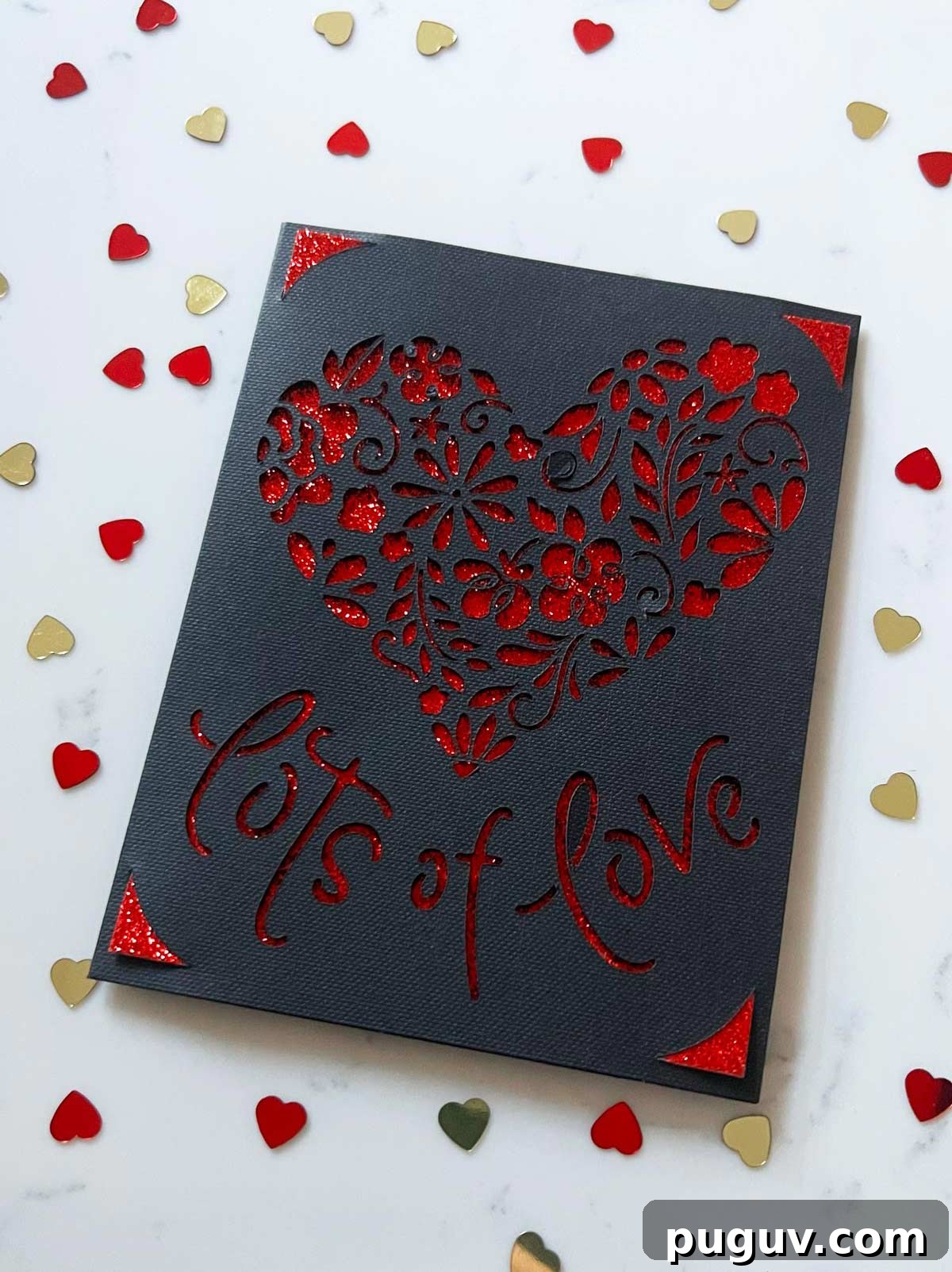
How to Make a Valentine’s Day Card with a Cricut Joy in Under 5 Minutes — Cricut Joy Cards Using Insert Cards and the Card Mat
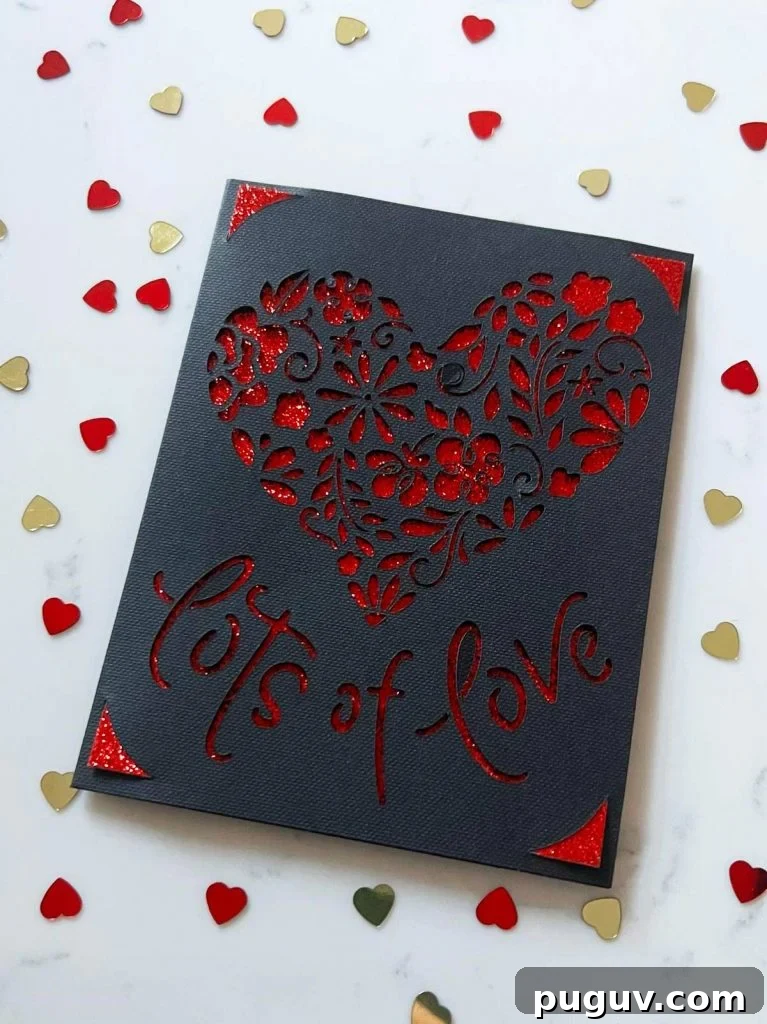
Making a Valentine’s Day card with the Cricut Joy is one of the fastest and most satisfying paper-craft projects you can do. The Joy was designed for quick, polished cards, and when you combine it with the Cricut Joy card mat and insert cards, you can produce a beautiful, professional-looking card in minutes. Below I’ll walk through what insert cards are, the sizes involved, what tools you need, and the simple steps from choosing a design in Design Space to finishing the card.
If you enjoy this style of card, consider trying other insert-card designs or a shaker card for a different look.
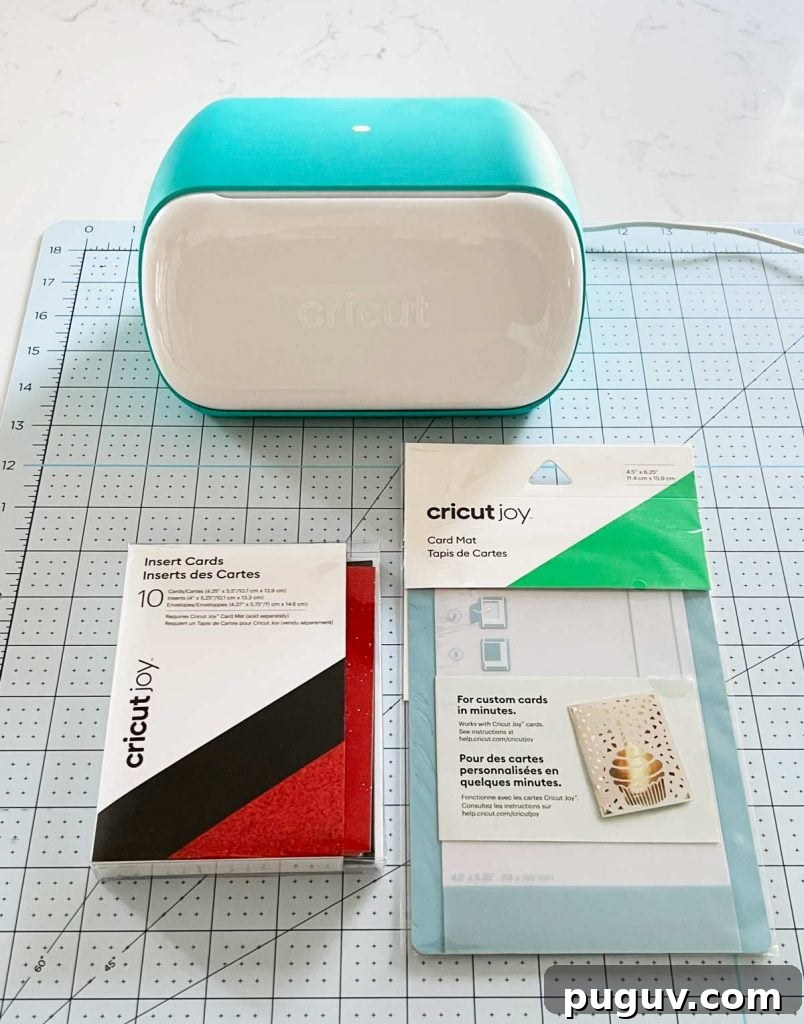
What Are Cricut Joy Insert Cards?
Cricut Joy insert cards are a convenient, three-piece set that includes a pre-folded card, a coordinating insert, and an envelope. The card slips into the Cricut Joy card mat, which is specially designed to cut only the top layer of the folded card. After the Joy cuts your design, you slide the insert into the card’s interior corners where four small slots hold it in place—no glue needed. The insert provides a solid background color or texture behind your cut design, instantly polishing the finished card.
What Size Are the Cricut Joy Insert Cards?
Standard Cricut Joy insert cards measure 4.25 in x 5.5 in—an A2 size. The included insert is approximately 4 in x 5.25 in, and the envelope fits at roughly 4.4 in x 5.75 in. These compact dimensions make the Joy perfect for quick mail-friendly cards and easy storage.
If you already use a Cricut Joy for small projects, try using insert cards for pantry labels, gift tags, or mini greeting cards; the format is versatile and fast.
Here’s What You’ll Need
- Cricut Joy machine
- Insert cards (pre-folded card, insert, and envelope)
- Cricut Joy card mat
- Optional: metallic or gel pen for handwritten notes
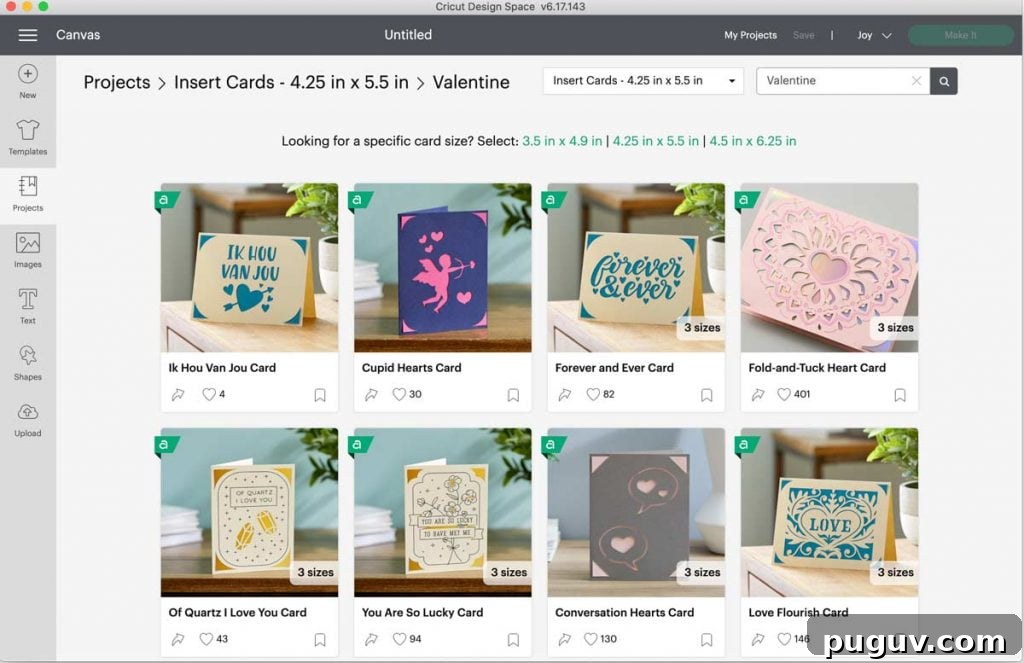
Choosing a Card Design in Design Space
Design Space contains many ready-made card projects formatted for the Cricut Joy and its insert cards. To find them, start a new project, click on Projects, and make sure your selected machine in the top-right is Cricut Joy. Choose the 4.25 in x 5.5 in insert card size and browse the Valentine’s Day designs or search “Valentine” to narrow options. Pick a design you like—simple shapes and bold lettering work especially well with insert cards.
When choosing colors, consider contrast between the top card stock and the insert. Light inserts behind dark cards (or vice versa) make cutouts pop, while glitter or metallic inserts add extra visual interest.
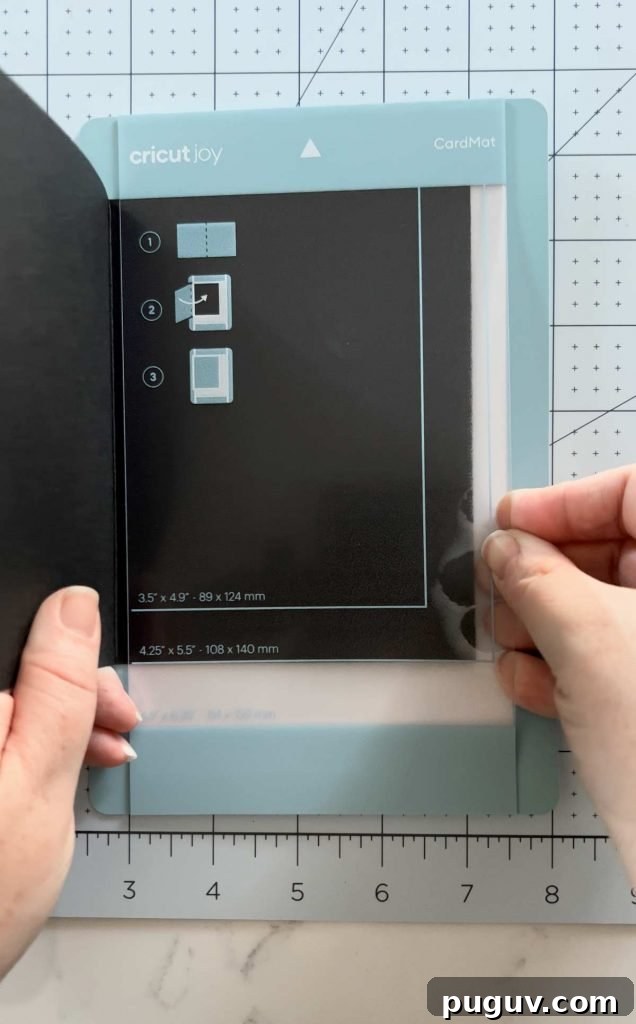
Cricut Joy Card Mat
The Cricut Joy card mat is a unique tool made specifically for folded insert cards. You place the pre-folded card into the mat so only the top layer is exposed; an internal barrier protects the inner layer from being cut. This feature allows the Joy to precisely cut your chosen design on the front of the card while leaving the inside intact for the insert and a handwritten message.
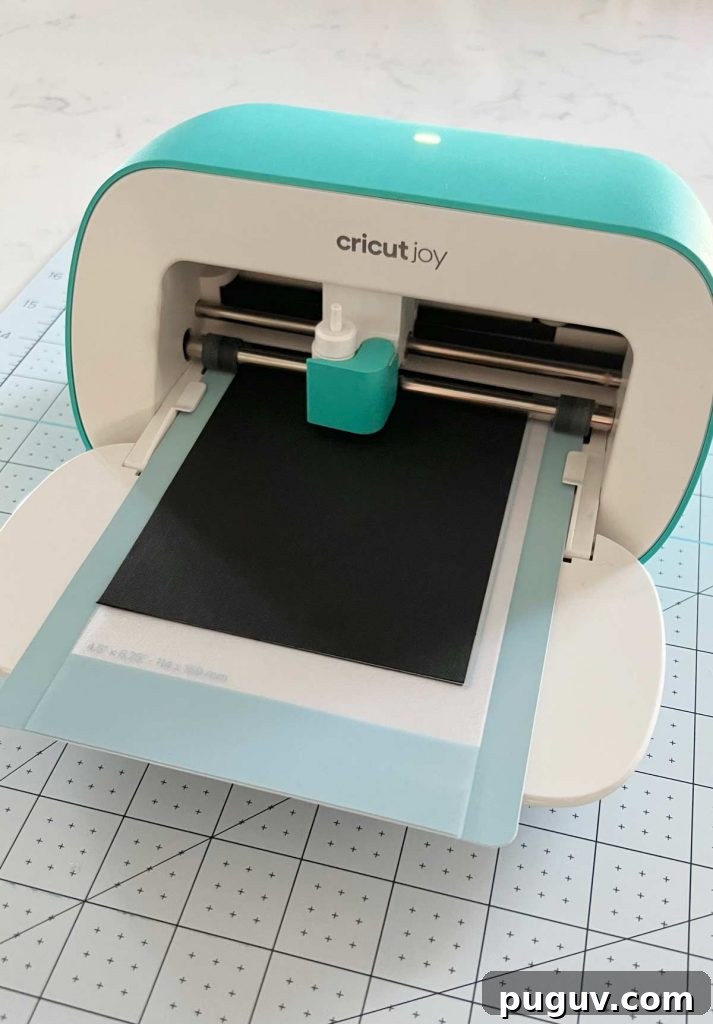
Once the card is secured in the mat, select “Make It” in Design Space, confirm the machine and material settings, load the mat into the Joy, and start the cut. The whole cutting step is fast—often just a couple of minutes.
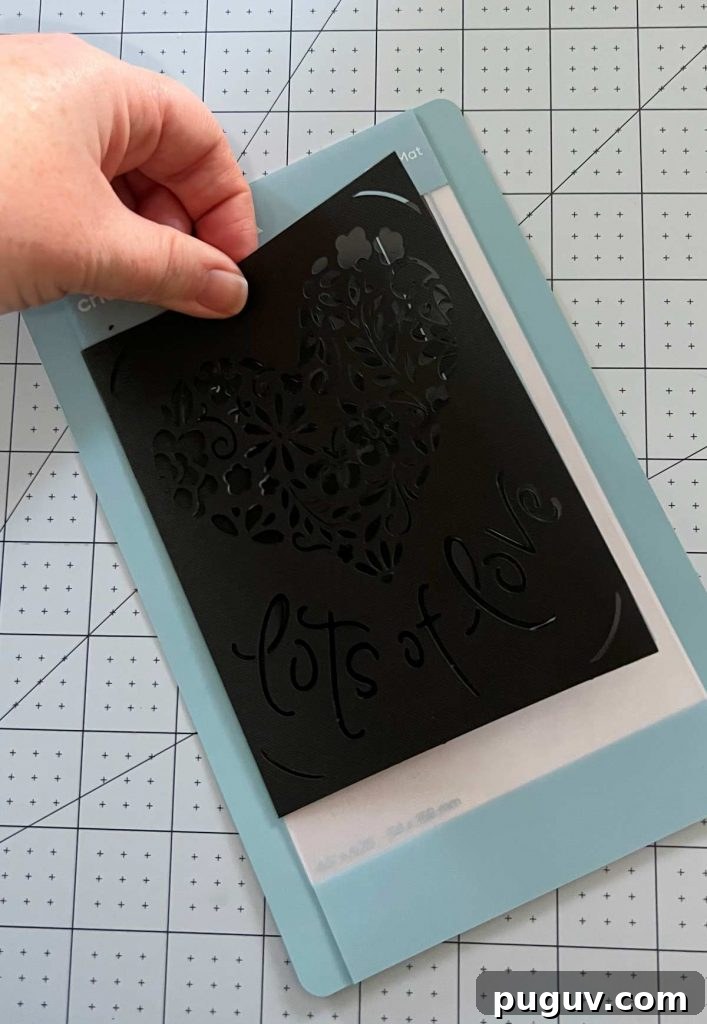
Weeding Your Card
One of the nicest things about using the card mat is how easily it handles “weeding” or removing excess paper. After the Joy finishes cutting, gently peel the card back from the mat. Most cut scraps remain adhered to the mat, while your card stays intact for a clean finish. Use a weeding tool or tweezers for tiny interior pieces if needed, but many designs come away cleanly on their own.
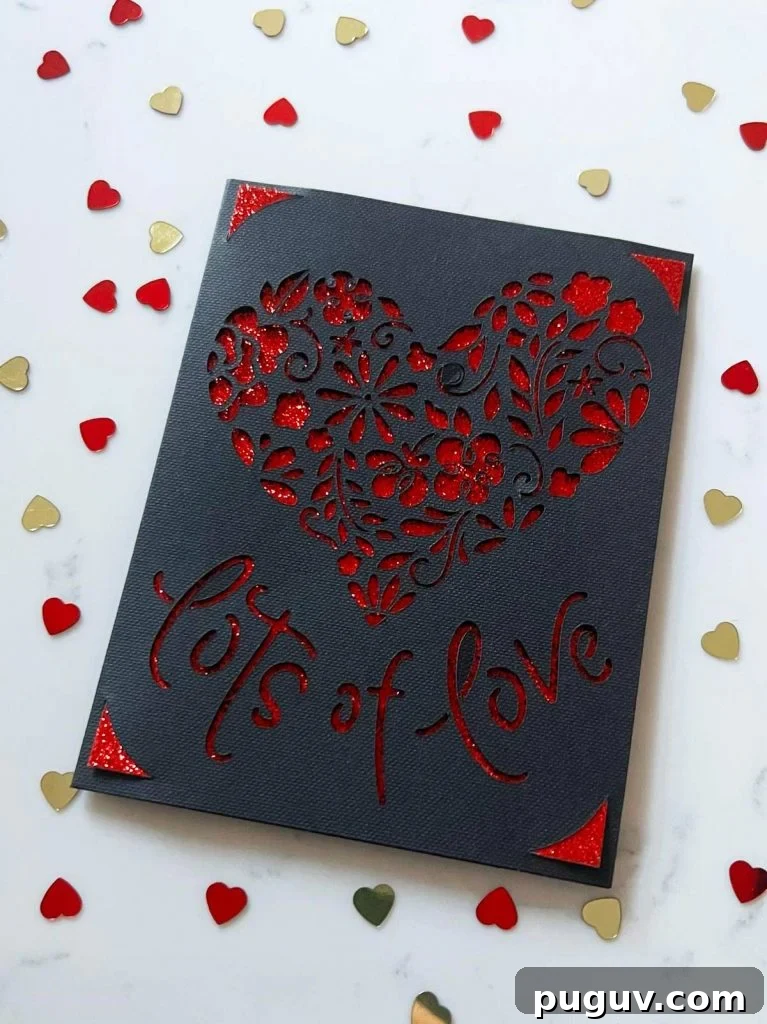
Adding the Insert
Choose an insert that contrasts with your card to highlight the cut design. I like red glitter for Valentine’s Day because it creates a striking background. Slip the insert into the card and push the corners into the four small slots cut into the inner corners; the insert secures itself without glue. The result is a sturdy, finished card with a professional look.
Finish by writing a personal message on the inside. For dark card stock, use a metallic gold or silver pen for legible, attractive handwriting. Slip your card into the envelope and it’s ready to give or mail.
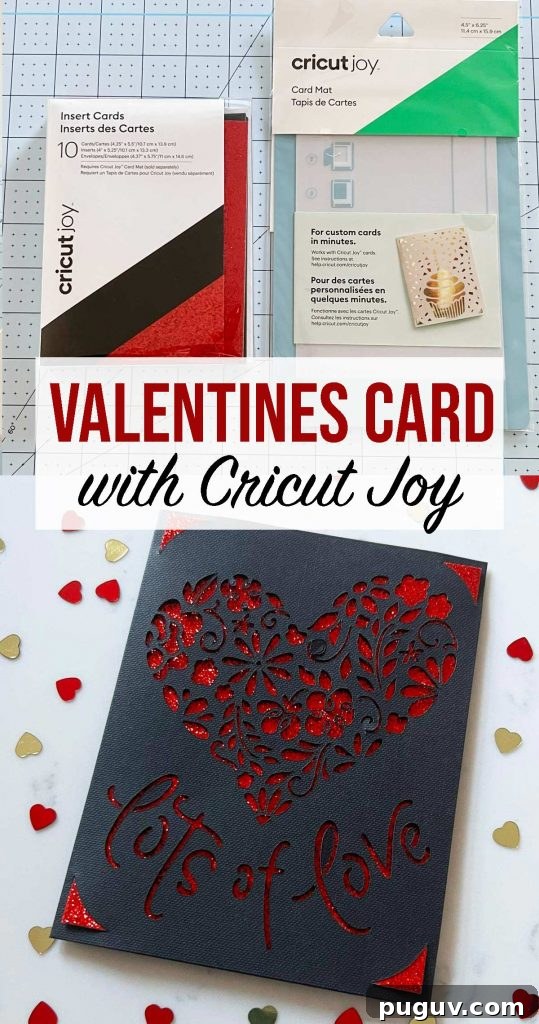
With the Cricut Joy, the card mat, and insert cards, you can create a variety of Valentine’s Day cards quickly—perfect for last-minute gifting, classroom valentines, or a handmade message that looks polished and thoughtful. Try mixing colors, textures, and simple text cuts to build a small collection of cards in under 5 minutes each.